
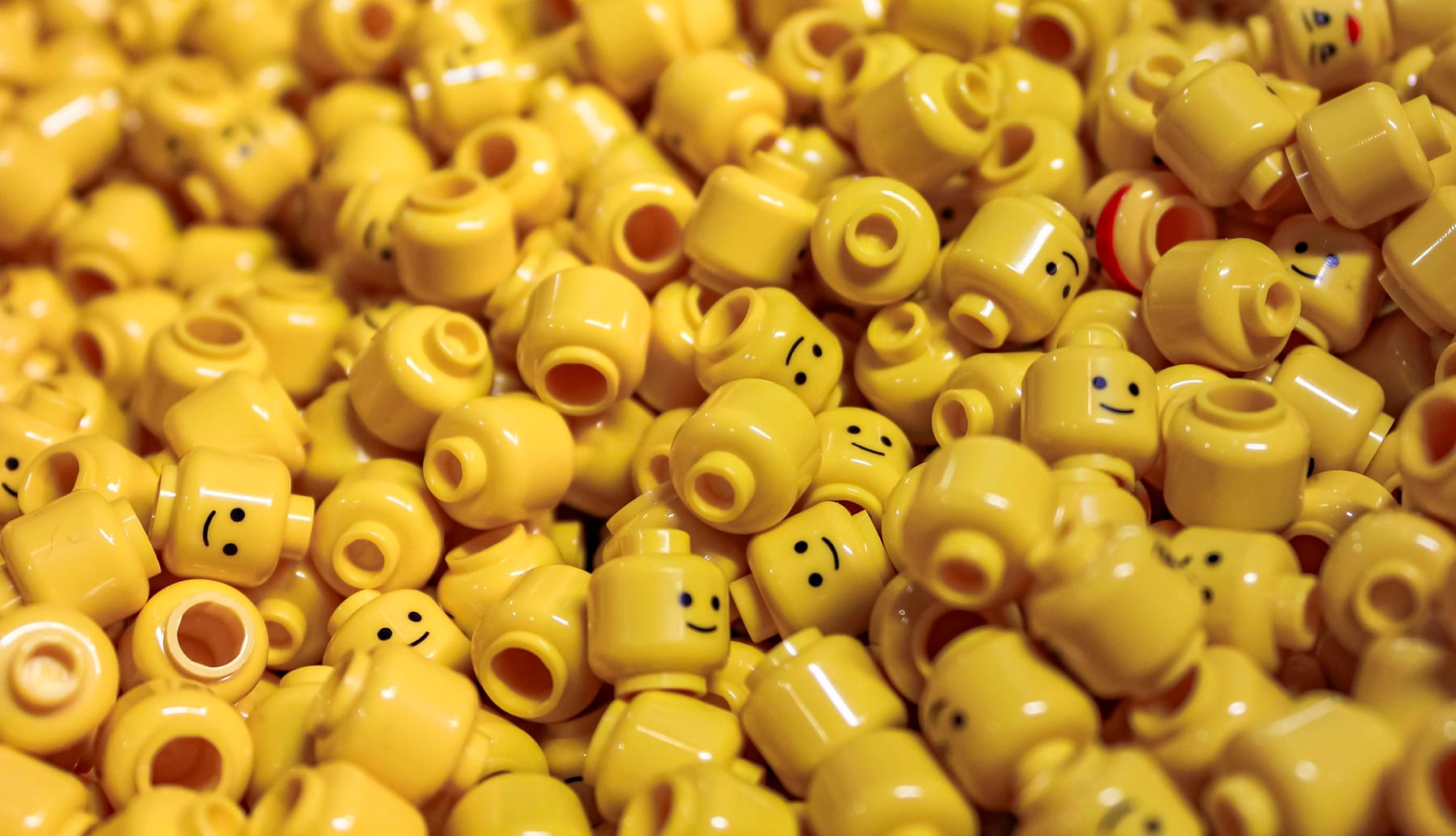
Same sidebar. Same purple. Same card grid. The fix isn't a better prompt. It's a spec.
The Pattern You've Already Noticed
Open Lovable. Build a dashboard. Now do the same in Bolt. Then v0. Then ask Claude Code or Cursor to scaffold one from scratch.
You'll get four apps that look like the same app.
The tells are consistent enough to be a meme:
- A left sidebar with rounded icon buttons
bg-indigo-500orbg-violet-600somewhere prominent- Cards with
rounded-2xland a soft shadow - A header with avatar pill plus bell icon
- Inter or Geist as the font, probably both
These tools are different products from different teams with different prompts and different stacks. They converge anyway. That's not a coincidence. It's a structural problem with how vibe-coded apps are built today.
Why It Happens
Three forces stack on top of each other.
Training data converges. Every code-generating model has read the same dashboards-built-with-Tailwind tutorials, the same shadcn/ui example pages, the same Vercel templates. The "best practice" reference set is small and overlapping. When you ask for "a clean dashboard," you're asking for a weighted average of that set.
Tailwind and shadcn became the default. Not because they're wrong. They're great. But the ecosystem around them ships with strong opinions: a specific scale, a specific palette, a specific radius. shadcn's actual default base color is neutral. The indigo association comes from somewhere else. Tailwind's documentation examples, the tutorials built on top of it, and the Vercel template gallery lean heavily on bg-indigo-500 and its neighbors. The model has read all of those. So when it has to pick a primary color with no other instruction, indigo wins by sheer training frequency.
Prompts are too thin to fight any of this. A prompt is a one-shot instruction with limited room for creative constraint. Even a careful prompt like "modern, friendly, fintech vibe" gives the model nothing concrete to anchor on. So it falls back to its priors. The priors are indigo.
Why "Write a Better Prompt" Doesn't Actually Solve It
You can write a better prompt. You can specify a palette, a personality, a set of references. Two things still go wrong.
Long prompts have a known weakness: instructions in the middle get disproportionately less attention than what's at the start or end. It's called "lost in the middle", formalized in a 2023 paper by Liu et al. and replicated across most major LLMs since. It shows up as a U-shaped attention curve: the model hugs the beginning and end of its input while drifting through the middle. Visual direction usually ends up buried there, sandwiched between feature lists, data models, auth flows, and routing rules.
And each session starts cold. Tomorrow you ask for a new screen. The model doesn't remember yesterday's color choices unless something durable carries them across. Even if your first screen looked unique, your fifth screen will drift back toward the average.
This is why a sharper prompt feels good for ten minutes and then disappoints.
What a Spec Actually Does
A spec is a document the agent reads every time. It's a durable creative brief, not a one-shot instruction. (For the broader case, see what spec-driven development actually means.) The good ones carry at least four things the prompt can't:
- Visual personality as concrete tokens. Not "modern and friendly." A specific palette, type scale, radius scale, motion language. Decisions, not vibes.
- Anti-patterns. What the product should not look like. "No indigo. No left sidebar. No avatar pill." Negative constraints diversify output more than positive ones do.
- Component priorities. Which patterns are core to this product's identity, and which are interchangeable.
- The reasoning. Why this product makes the choices it does. Models follow rules better when they understand the intent behind them.
A spec doesn't replace the prompt. It changes what the prompt is competing against. The agent's prior is no longer "the average AI dashboard." It's your spec.
How to Actually Generate One
Knowing what a spec needs doesn't help unless you can actually write one. Spec-driven development is having a moment. Andrew Ng and JetBrains shipped a course on it this month, and there are now 30+ frameworks mapping the space. That's the good news. The bad news: most of them treat specs as functional documents. Features, data models, acceptance criteria. Visual and aesthetic intent rarely makes it in.
If your spec has fourteen sections about routing and zero sections about what this product feels like, your output will look like every other spec-driven app. The structure is better. The surface still drifts to indigo.
This is the gap Plainify is built around. It generates a structured PLAIN spec: a 14-section markdown document with dedicated blocks for visual identity, design tokens, and anti-patterns alongside the usual functional ones. Drop in a sentence and let Relax Mode expand it, or walk through each section yourself in Custom Mode.
You get two outputs: the raw PLAIN spec to drop into any AI tool, and a "Build with Claude Code" ZIP that ships with a generated CLAUDE.md and a .claude/ directory of slash commands and skill files for design, accessibility, and component structure. The agent reads these on every run, which is what gives the spec staying power across sessions instead of dying with the prompt.
The point isn't the format. It's that visual intent has to be a first-class citizen of the spec, and the spec has to live somewhere the agent reads every single run, not just on day one.
Design First, Build Second
The single change that does the most work: split the phases.
In a normal vibe-coding session, design and code happen in the same prompt. The model decides everything at once and defaults its way through the visual layer. In a phased workflow, you separate the two:
- The agent generates a design system from the spec: tokens, type scale, component primitives, a preview screen.
- You approve, edit, or regenerate until the design system actually feels like your product.
- Only then does the agent start building features, anchored to that approved system.
The build phase has nowhere to drift. The design system is locked. Indigo doesn't sneak in because indigo isn't a token.
Closing
The homogeneity problem isn't a model problem. The models are fine. It's a prompt problem dressed up as a model problem. AI tools are giving you the average of what they've seen because nothing in the input is asking them not to.
A spec is the input that asks them not to. A good one captures personality, anti-patterns, and locked design decisions. And it does it in a place the agent reads every time, not in a prompt that gets diluted by everything else.
If your vibe-coded app looks like every other vibe-coded app, the answer isn't a better prompt or a different tool. It's a spec that does some of the creative work upfront, so the agent isn't doing it alone with default instincts.
The fastest way to find out is to write one and rerun your prompt. Plainify generates a structured spec in about five minutes. Relax Mode if you want one fast, Custom Mode if you want full control. Run your usual prompt with the spec attached. Compare the output to what you'd get without it. That's the test.